Museum Robots: A Practical Guide to Visitor Experiences
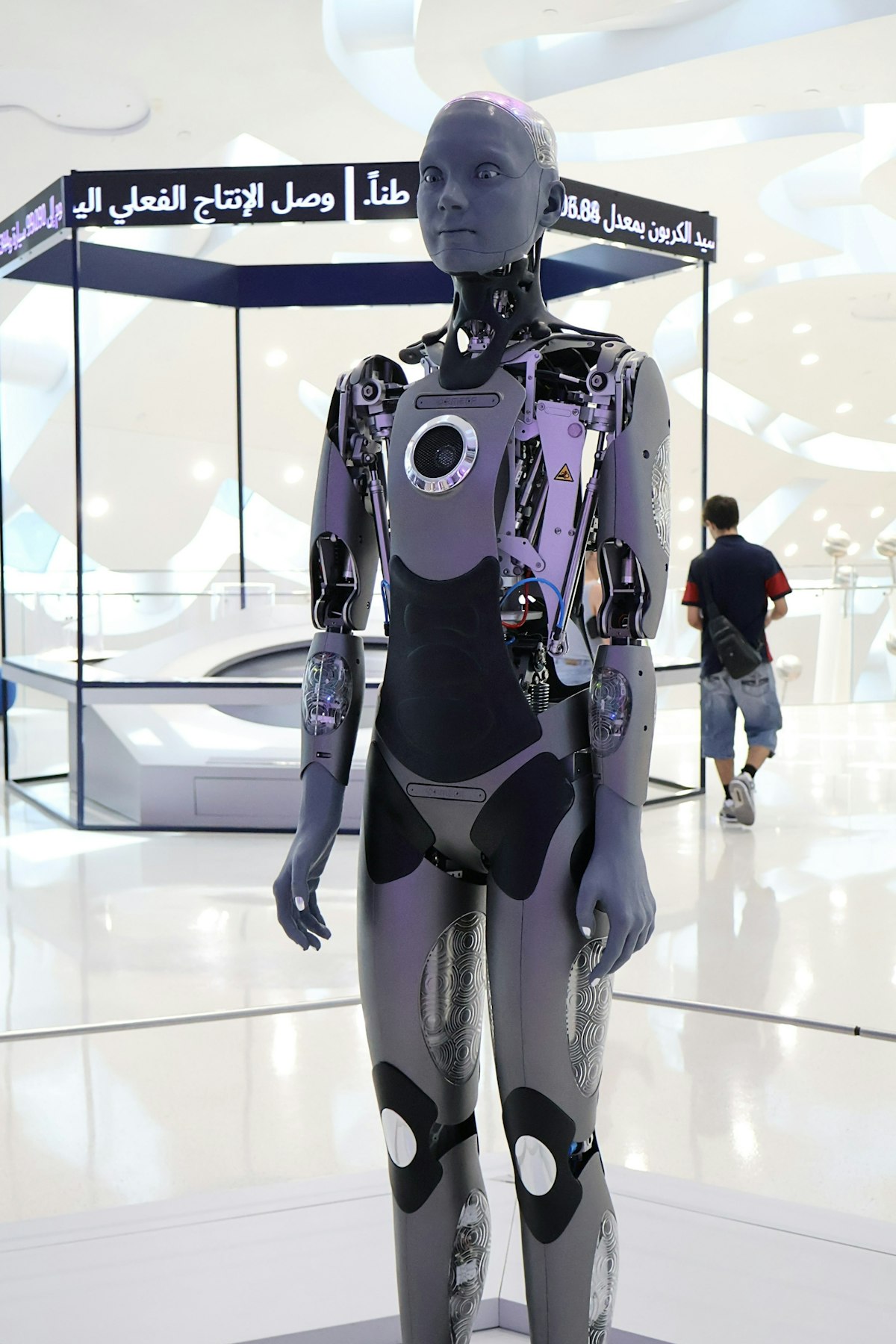
Can a robot help museum visitors ask better questions about the collection?
Museum robots can greet guests, guide them through galleries, and make complex exhibits easier to explore. The strongest experiences are designed around curatorial goals, accessible interaction, and tested behavior rather than the novelty of a moving machine.
This practical guide explains how museums can choose a role for a robot, build trustworthy exhibit conversations, design for different visitors, prototype safely, and measure the result. It draws on museum robotics research and Mimic Androids’ work across digital humans, conversational AI, and humanoid concepts. Explore Mimic Androids solutions and technology.
Table of Contents
- What museum robots can actually do
- Start with the visitor journey and curatorial goal
- Design conversation around verified exhibit knowledge
- Make the robot approachable and accessible
- Prototype movement and behavior before deployment
- Pilot the installation and measure learning
- Frequently Asked Questions
- Conclusion
What museum robots can actually do
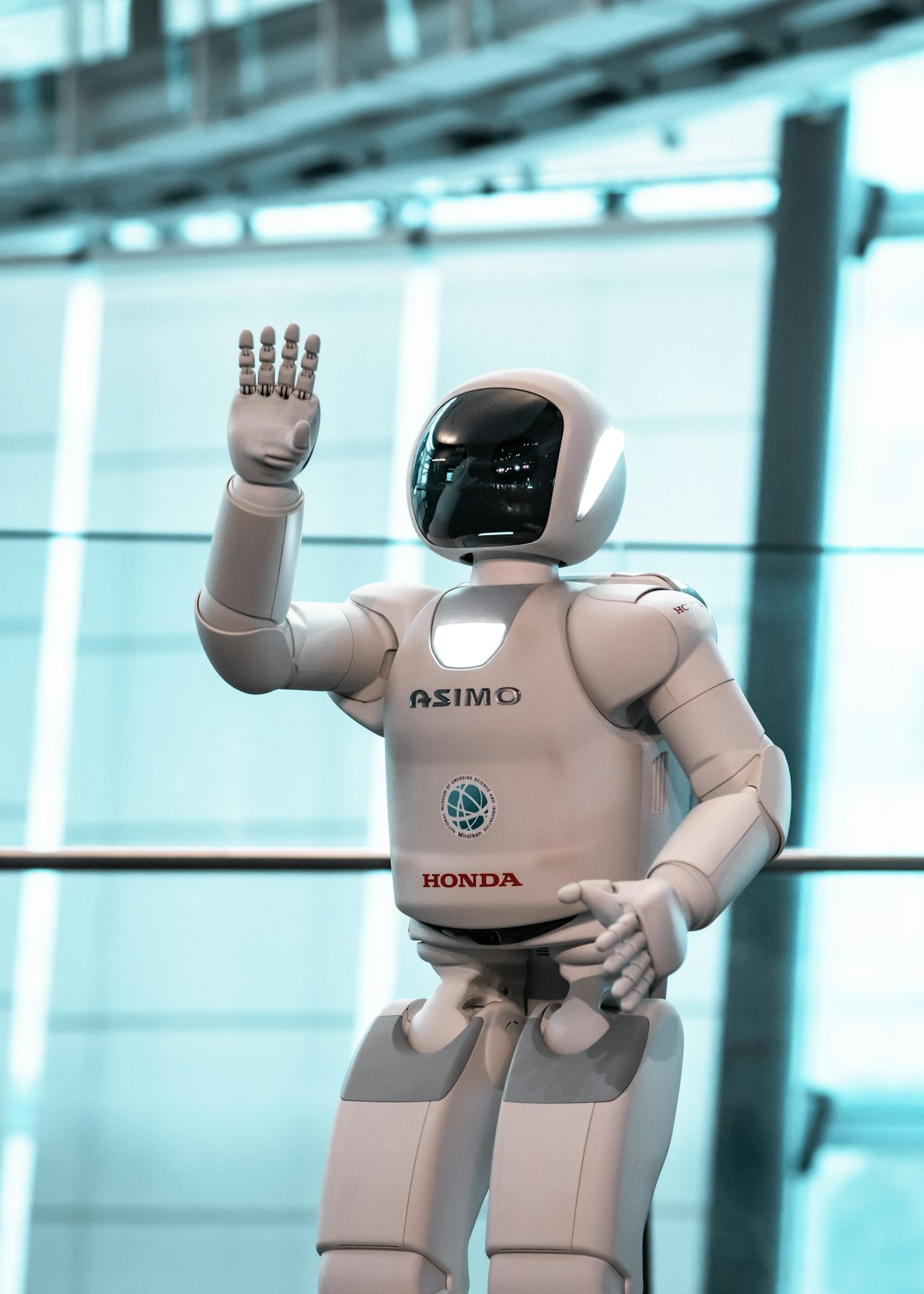
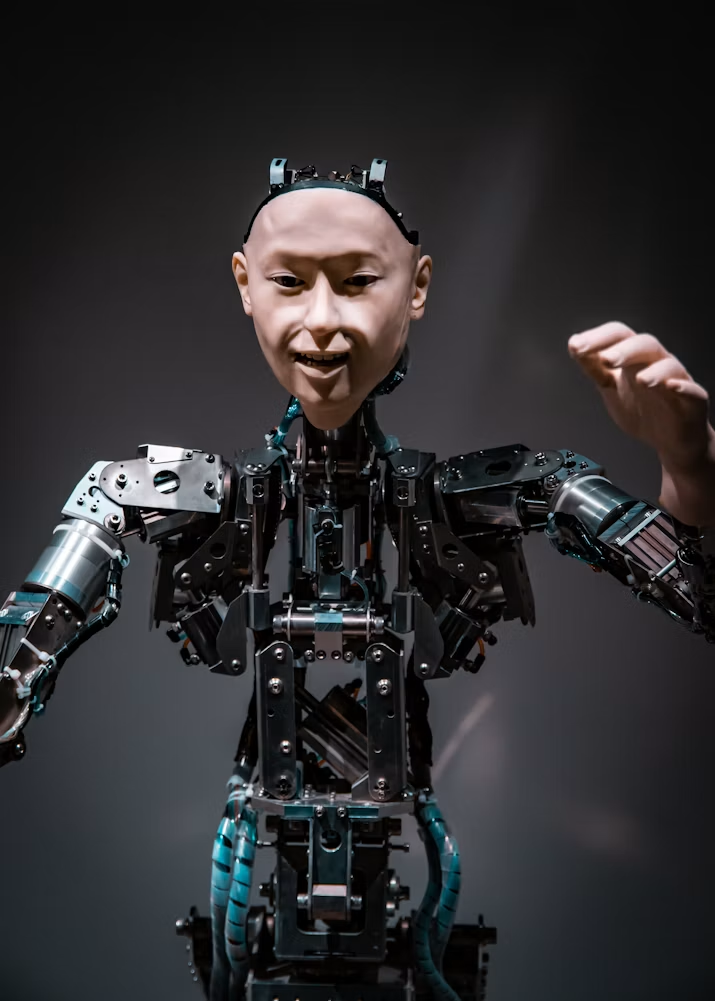
Museum robots are embodied or screen-based systems that help visitors explore a collection, ask questions, or participate in an exhibit. A physical guide might greet visitors and point them to a gallery. A stationary android may hold a short conversation beside an object. A digital human may appear on a display when mobility adds no value. These formats have different costs and risks, so the experience should be chosen around the visitor task.
The useful job is specific: explain an unfamiliar concept, invite a question, support wayfinding, demonstrate a process, or help a visitor compare objects. A robot that merely repeats a welcome script may attract attention but cannot carry an exhibition narrative. Before discussing hardware, write down what a visitor should understand or do after the interaction and why a human-like interface helps.
Public examples show the range of possibilities. At Miraikan, visitors can encounter robots as exhibits in their own right; research on museum guides has explored navigation, conversational prompts, and ways to invite interaction. None of this means a venue needs a fully autonomous walking humanoid. A guided, bounded installation may deliver a stronger experience with less operational complexity.
Mimic Androids’ guide to humanoid robots helps distinguish movement, interaction, and autonomy. Museums can start with one capability that serves a curatorial goal, then add richer movement or conversation only when testing shows it improves comprehension and access.
Start with the visitor journey and curatorial goal
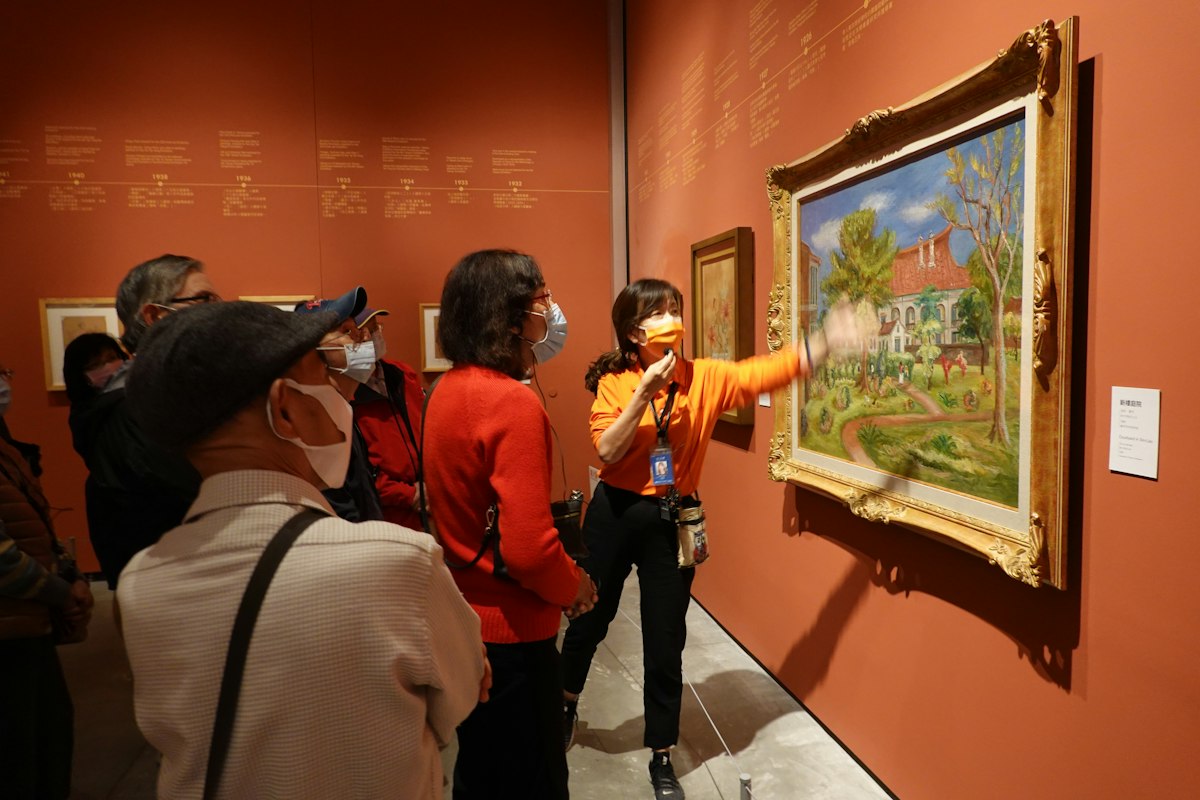
Map the journey before selecting a robot. Identify where visitors first notice the installation, how they learn what it offers, what question they can ask, and how the interaction ends. A guide near the entrance has a different role from an android beside a sensitive historical object. The former may orient people; the latter should deepen interpretation without drawing all attention away from the collection.
Choose one measurable curatorial goal. A science museum might want visitors to explain how a mechanism works. An art museum may want them to compare two interpretations of a piece. A history venue may want visitors to ask which details are evidence and which are reconstruction. The robot’s gestures, speech, and prompts should point back to that goal instead of becoming a show detached from the exhibition.
Research on museum guide interaction suggests that greeting, gaze, pointing, and turn-taking affect whether visitors understand an invitation to engage. Give the robot a clear opening line, a visible topic, and a way to recover when the visitor says nothing. Keep the first encounter brief. People who want a deeper conversation can choose it, while others should be free to keep walking.
Explore Mimic Androids’ human-centered android interaction approach to plan trust from the first seconds. Tell visitors whether they are speaking with an AI system, what it knows about the exhibit, and how to reach a human member of staff. A good welcome makes the robot useful without asking visitors to guess its abilities.
Design conversation around verified exhibit knowledge
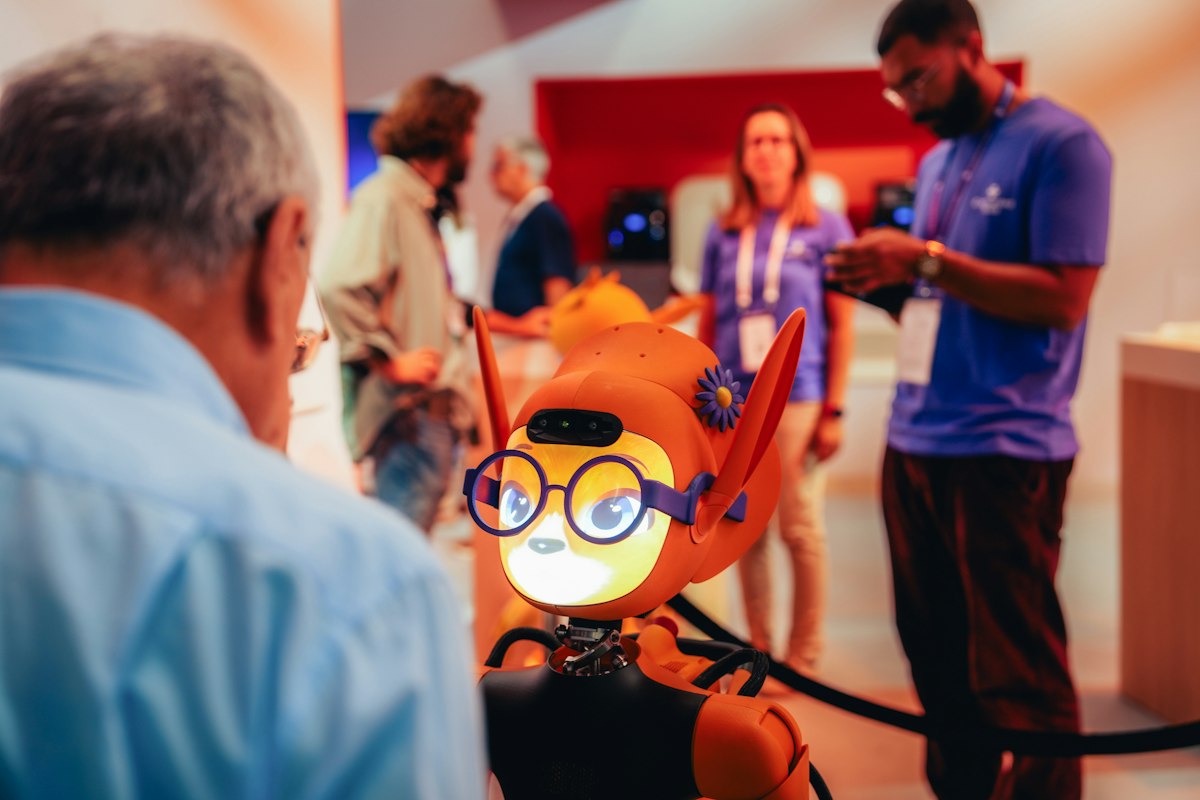
Give the system a curator-approved knowledge base before giving it an open microphone. Its factual answers should come from vetted exhibit descriptions, labels, catalog records, or carefully reviewed scripts. Record where sources disagree and which questions remain open. A polished voice can make an unsupported claim sound authoritative, so confidence must never stand in for evidence.
Write conversational paths for common visitor intents: what am I looking at, why does it matter, how was it made, where can I learn more, and can you explain that more simply? The robot should ask one useful follow-up question when context is missing. It should also know how to say that it does not have a reliable answer and offer a label, staff member, or other source.
Test the conversation in a noisy gallery with accents, children, groups, and people speaking over one another. Provide on-screen captions or a text option. Keep answers short enough for standing visitors, with optional depth for those who ask. Content should be age appropriate, sensitive to the exhibit’s cultural context, and reviewed by the institution when interpretations change.
The site’s guide to AI receptionists provides related lessons about bounded intent, clear escalation, and graceful failure. A museum installation needs these patterns in service of learning, not sales. The system should guide curiosity while curators and educators remain accountable for its interpretation.
Make the robot approachable and accessible
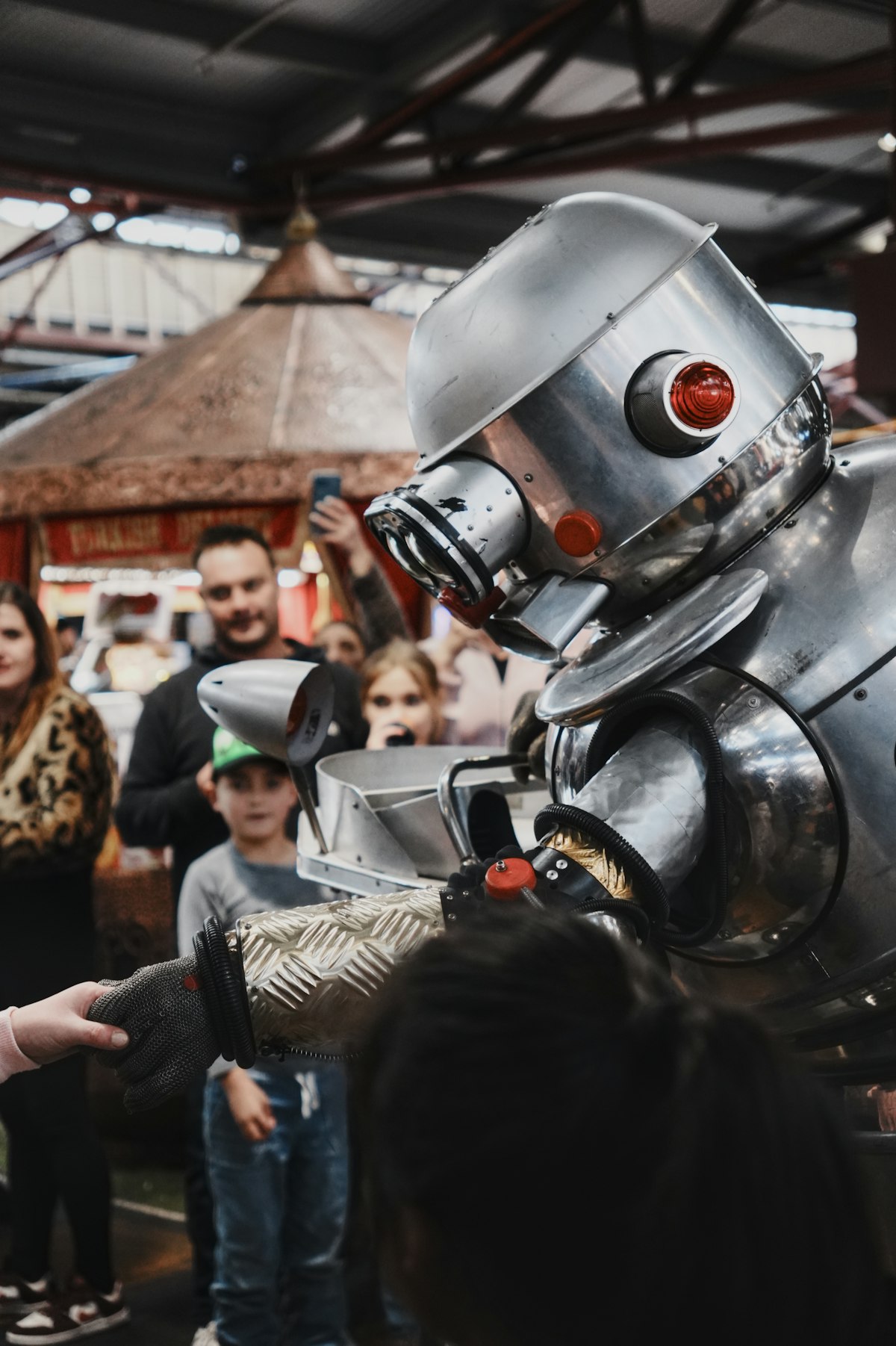
Physical presence can make an exhibit memorable, but it also changes social expectations. Some visitors will approach immediately; others may avoid a human-like face, loud voice, or unexpected movement. Offer a clear choice to engage rather than forcing contact. Keep a comfortable distance, predictable gestures, and an obvious stop or exit path. Staff should be able to pause the interaction.
Accessibility must be designed into the same journey, not bolted on later. Ensure captions are readable from a seated position, speech can be repeated, controls have sufficient size and contrast, and a visitor can obtain the core information without voice input. A wheelchair user should be able to approach safely. A visitor with hearing or sensory needs should have an equivalent way to participate.
Language support can widen access, but translations of collection terms and cultural context need review. A robot should not switch languages based on assumptions about appearance or accent. Let visitors choose a language and allow staff to correct terminology. When speech recognition fails, the system should offer buttons, text, or a staff handoff rather than repeatedly asking the same question.
Mimic Androids’ solutions page shows the range of possible interaction settings. For museums, the success test is whether more visitors can understand and enjoy the exhibit on their own terms. Use observation and feedback from different visitor groups, not only average interaction counts.
Prototype movement and behavior before deployment
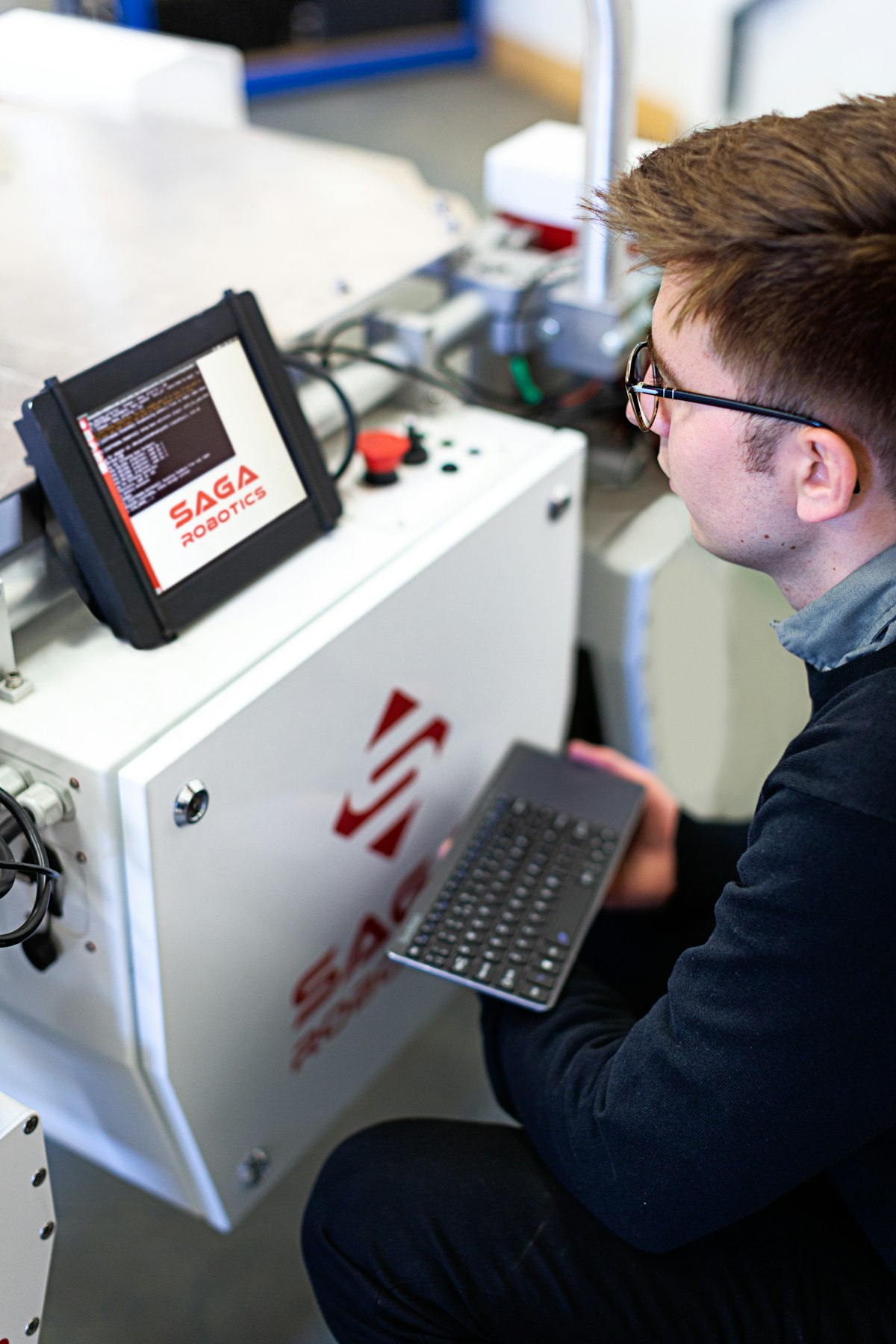
A convincing museum robot does not need to walk. Stationary, wheeled, and mobile humanoid formats each create different demands for floor space, supervision, maintenance, and safety. Start with the smallest physical behavior that supports the content. If a nod or pointing gesture helps people follow the explanation, test that before considering autonomous navigation through crowded galleries.
Build a prototype of the interaction in a controlled setting. Rehearse the welcome, speech, gaze, gesture, timing, and exit. Map nearby objects, fragile displays, queues, lighting, and acoustics. A virtual simulation can help teams find obvious conflicts before moving hardware into a public space, but it cannot replace observation with real visitors.
Decide what happens when sensors are blocked, a child steps into the robot’s path, speech is misunderstood, or a network connection fails. Movement should stop safely; the exhibit should have a clear manual fallback. Privacy design matters too. Minimize capture of faces, voices, and identifiable visitor records, and explain any recording or analytics in plain language.
Mimic Androids’ simulation technology shows how staged testing can connect design choices to real-world behavior. Museums should include educators, operations staff, accessibility specialists, and conservators in reviews. A movement that looks compelling in a demo may be distracting or impractical beside an actual collection.
Pilot the installation and measure learning
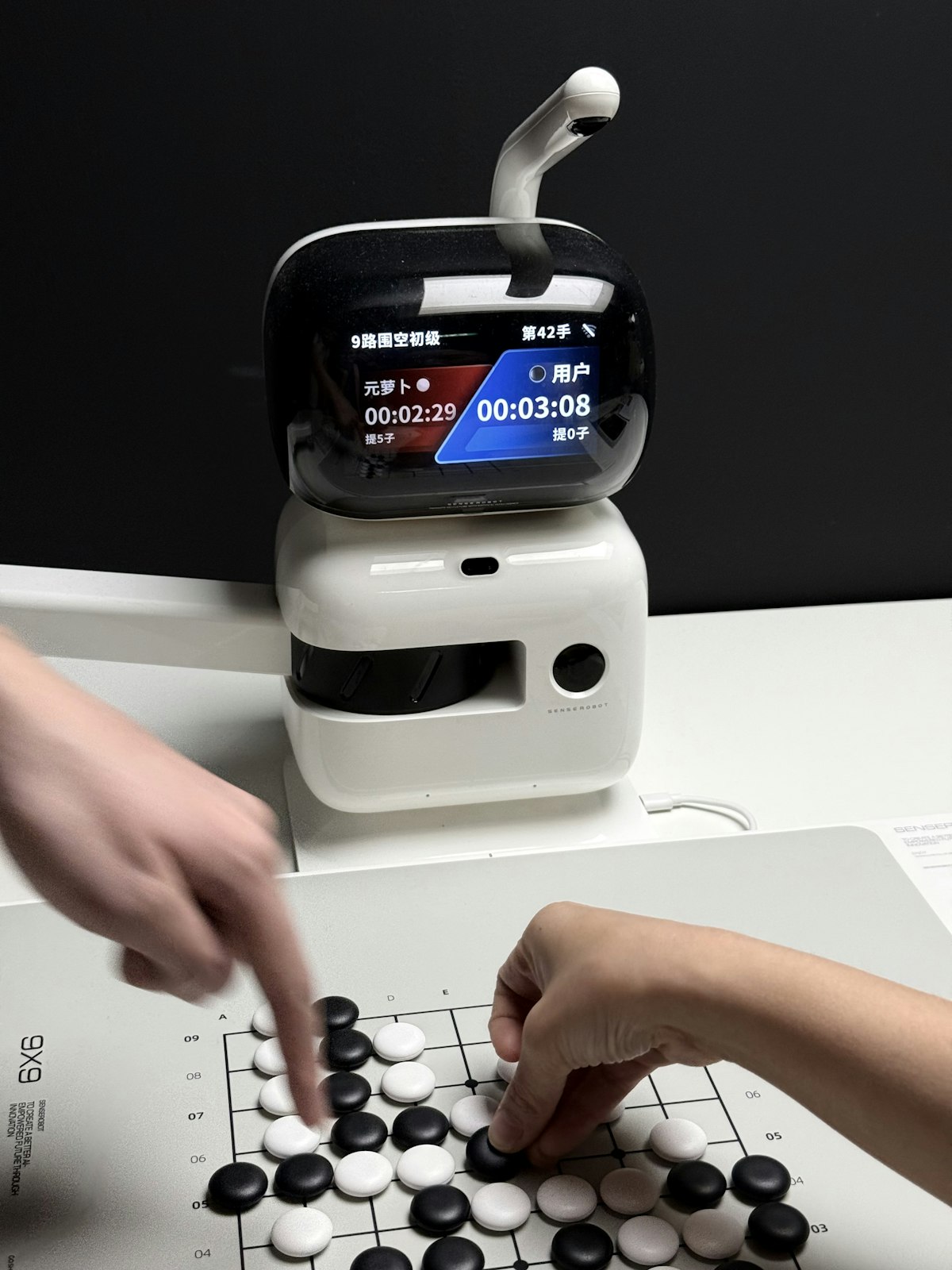
Run a short pilot with a defined audience, location, and question. Tell staff what the robot is meant to do and when they should step in. Observe both people who choose to engage and people who pass by. A pilot should reveal whether the opening prompt is legible, whether the physical placement blocks traffic, and whether the interaction helps visitors return attention to the exhibit.
Measure outcomes that match the goal. For wayfinding, ask whether visitors reached the right gallery. For an educational guide, collect a quick explanation or question before and after the interaction. For an exhibit demonstration, note whether visitors can describe the mechanism accurately. Interaction time and smiles can be useful signals, but neither proves learning.
Review failures openly. Log misunderstood questions, incorrect claims, dropped conversations, long waits, inaccessible moments, and staff interventions. Separate content problems from hardware issues. Revisions may be as simple as shortening an answer, changing a sign, moving the device, or adding a button. Do not assume every problem requires a more capable model or more autonomy.
Budget and maintenance belong in the evaluation too. Mimic Androids’ article on humanoid robot costs helps frame purchase, integration, and ongoing operations. A museum robot succeeds when it advances a human-centered exhibition goal reliably and safely. Compare its contribution with alternatives such as a trained guide, interactive kiosk, audio guide, or projected digital human before scaling across the venue.
Frequently Asked Questions
What are museum robots used for?
They can support wayfinding, exhibit explanation, demonstrations, conversation, and interactive learning. The best use depends on the museum’s visitor and curatorial goals.
Does a museum robot need to be humanoid?
No. A stationary robot, wheeled guide, screen-based digital human, or interactive kiosk may serve the goal. Choose form and movement only when they improve the experience.
Can a robot answer any visitor question?
It should answer within a reviewed knowledge scope. When a question is outside that scope or evidence is uncertain, it should say so and direct the visitor to staff or approved sources.
How can a museum make a robot accessible?
Provide captions, text or button input, reachable controls, predictable movement, language choices, and an equivalent route for visitors who prefer not to use the robot.
Are museum robots safe around children?
Safety depends on the hardware, environment, supervision, and testing. Venues should assess movement, proximity, emergency stopping, privacy, and age-appropriate content before opening to visitors.
Should the robot record visitor conversations?
Collect only what is necessary for the service and permitted by the venue’s privacy rules. Explain any recording, retention, and analytics clearly, and provide alternatives where appropriate.
How much autonomy should a museum robot have?
Begin with a bounded interaction and add autonomy only when it solves a real visitor need. Mobile navigation through crowds demands more testing and operational oversight than a stationary guide.
How can a museum tell whether the robot works?
Compare results with the original goal: visitor understanding, wayfinding, accessibility, reliability, and staff workload. Use observation and feedback, not engagement time alone.
Conclusion
Museum robots are most valuable when they make an exhibit easier to understand, discuss, or navigate. Start with a specific visitor need, give the system reviewed knowledge, make participation optional and accessible, and pilot the experience where it will actually operate. Then compare the learning and operational results with simpler approaches.
Mimic Androids develops lifelike AI android concepts, digital humans, conversational experiences, and simulation workflows. Explore its capabilities, then contact the team to plan a focused museum prototype around your audience and collection.