Lifelike Robots: Technology, Applications and Deployment Guide
What makes a robot feel lifelike, and how can an organization move from an impressive demonstration to a useful, responsible human-machine experience?
Lifelike robots combine realistic appearance, expressive movement, conversational intelligence, sensing, simulation, and carefully designed interaction. They can serve as guides, performers, tutors, research platforms, service interfaces, and embodied digital characters. Their value comes from the quality of the complete experience rather than any single piece of hardware or software.
This guide explains the technology behind lifelike robots, where they create practical value, how teams prototype and test them, and what buyers should evaluate before deployment. It is designed for companies, research groups, museums, education providers, healthcare innovators, entertainment studios, and enterprise teams considering a human-facing android project.
Table of Contents
- What Are Lifelike Robots?
- The Technology Stack Behind Realism
- From Concept to Working Android Experience
- Practical Applications Across Industries
- Conversational Intelligence and Human Interaction
- Simulation, Testing and Safety
- A Buyer’s Deployment Checklist
- Frequently Asked Questions
- Building a Lifelike Robot Experience
What Are Lifelike Robots?
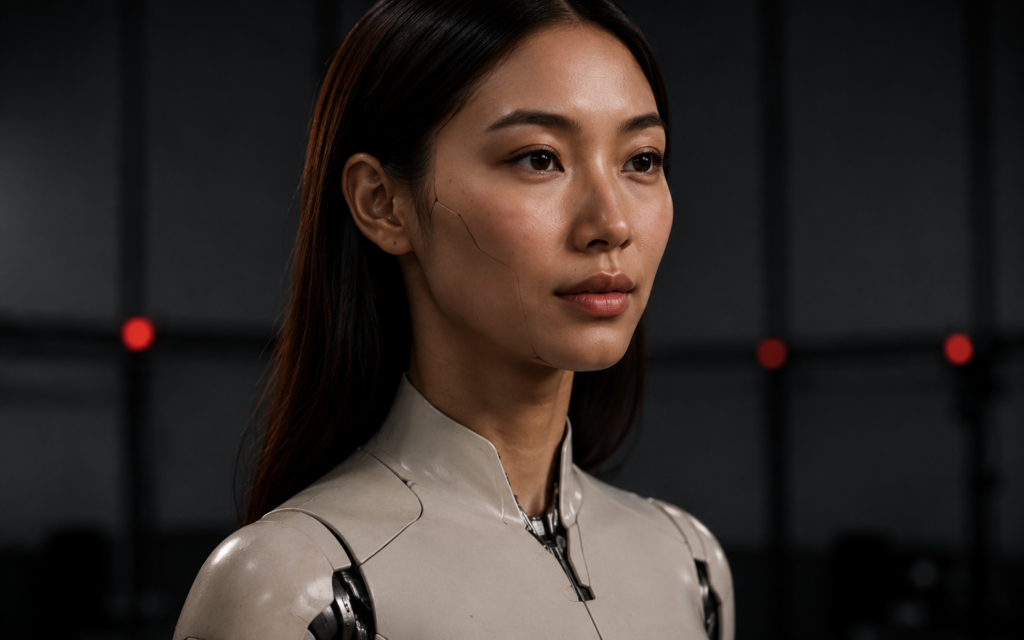
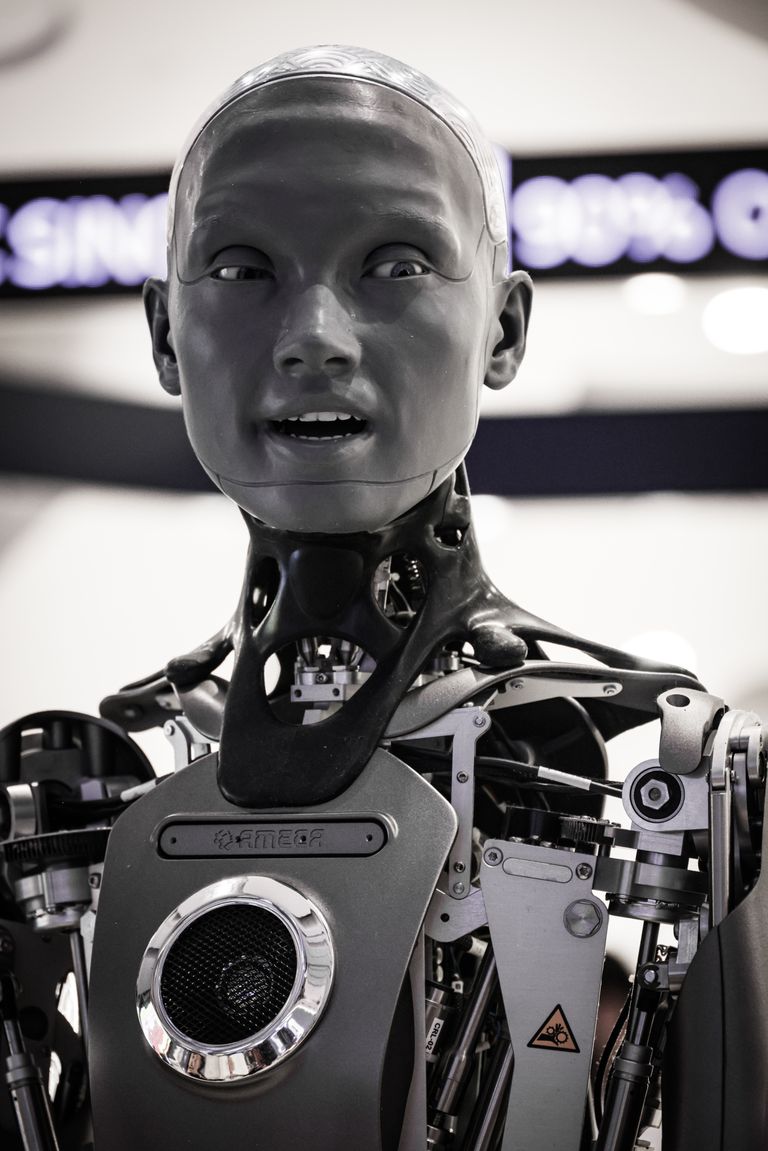
A lifelike robot is a physical or digitally embodied system designed to communicate through familiar human cues. It may have a realistic face, a stylized humanoid body, a screen-based avatar, or a hybrid form. What matters is that people can understand its attention, intention, emotion, and response through speech, gaze, gesture, posture, and timing.
The terms android, humanoid robot, digital human, and social robot overlap, but they describe different priorities. A humanoid follows the broad structure of the human body. An android emphasizes a humanlike appearance. A social robot focuses on communication and relationships. A digital human delivers many of the same expressive and conversational functions through a screen or real-time 3D interface.
Organizations should begin with the interaction goal rather than the most realistic possible body. A museum guide may need clear gestures, multilingual conversation, and reliable content. A film character may prioritize facial fidelity and performance capture. A research platform may require precise behavior logging and repeatable scenarios. Explore the full range of android solutions before fixing the final form.
Realism is also behavioral. Perfect skin cannot compensate for delayed eye contact, repetitive gestures, weak turn-taking, or answers that ignore context. The most believable experiences coordinate visual quality with responsive behavior and a clearly defined personality.
The Technology Stack Behind Realism
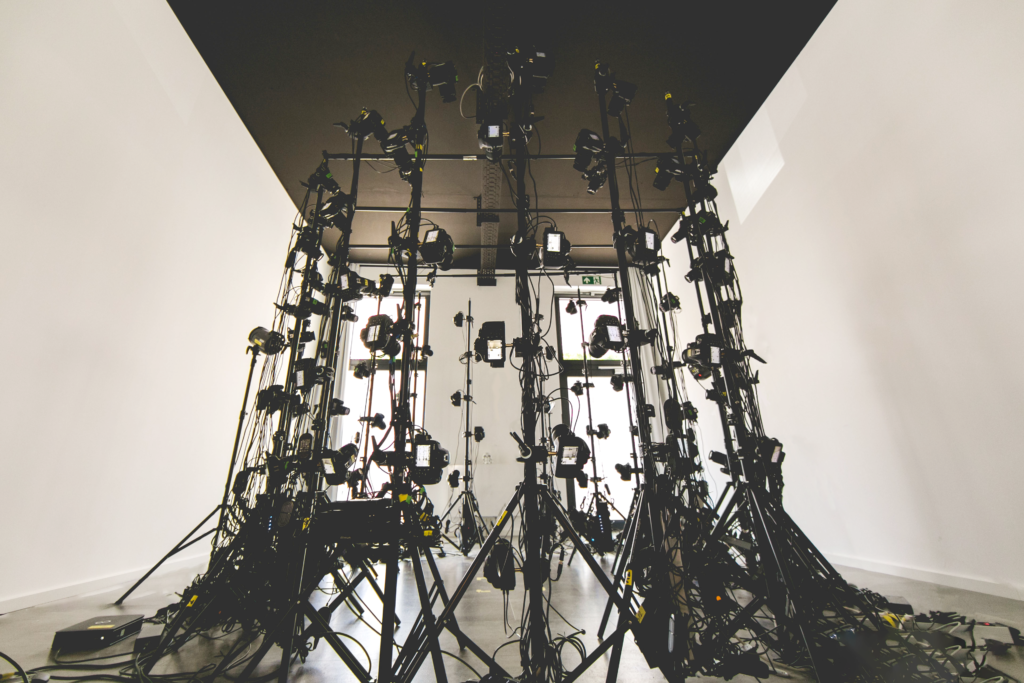
The realism stack starts with accurate visual assets. High-resolution photography and 3D scanning technology capture facial proportions, surface detail, and body references. Artists clean the scan, build production topology, create textures, and prepare versions suitable for real-time playback, cinematic rendering, or physical prototyping.
Rigging gives the face and body controllable structure. Facial systems coordinate brows, eyelids, gaze, cheeks, lips, and jaw movement. Body rigs support posture, reach, balance, and gestures. Corrective deformation preserves natural shapes at difficult joints. The rig must expose enough control for expressive performance while staying efficient and stable.
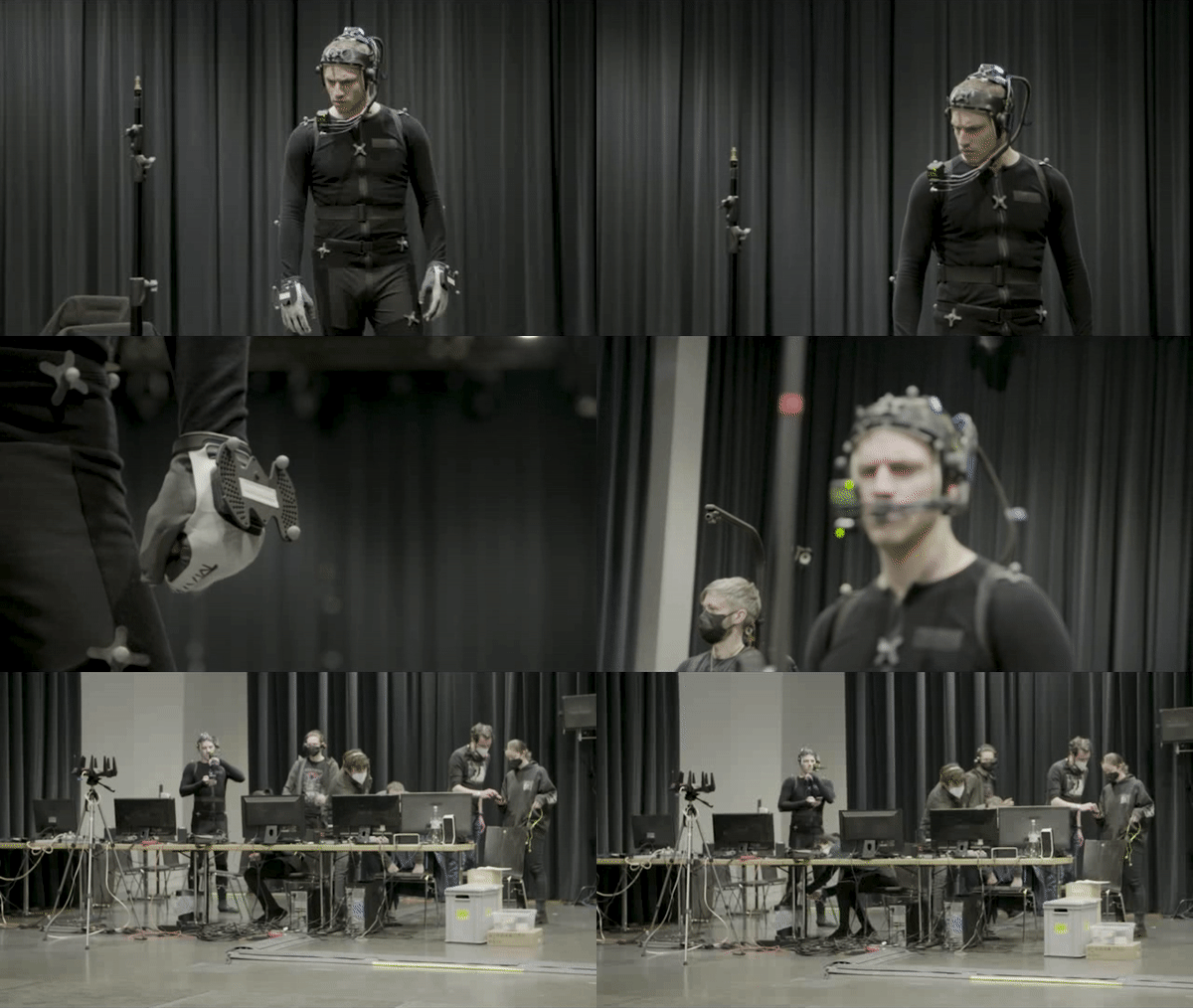
Motion capture records human movement and provides a strong foundation for natural timing. Facial capture can record expressions and dialogue performance. Animators still refine the data, remove noise, adapt it to the character, strengthen important poses, and ensure the movement fits the mechanical or digital embodiment.
Real-time engines connect assets to sensors, dialogue systems, behavior logic, audio, and displays. The system must manage latency carefully because even a short pause between a user’s action and the robot’s response can feel unnatural. A practical architecture separates perception, decision making, language, animation, and output so each layer can be tested and improved.
From Concept to Working Android Experience
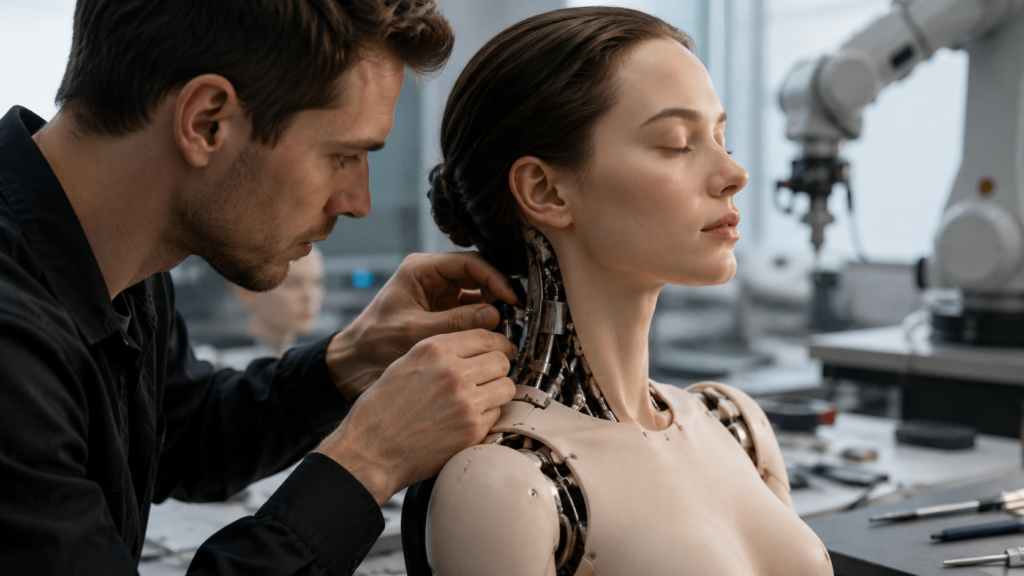
Development begins with a use-case brief. Define the audience, setting, session length, languages, accessibility needs, available staff, privacy constraints, connectivity, and success measures. Describe what the robot should do, what it must never do, and how a human operator can intervene. This prevents technology choices from drifting away from the business or research goal.
Interaction designers map the conversation and behavior journey. They identify greetings, user questions, task steps, recovery responses, emotional beats, handoffs, and endings. Storyboards and low-fidelity simulations let stakeholders evaluate the experience before expensive assets or hardware integrations are complete.
The visual team develops the character, facial range, wardrobe, materials, and environmental fit. The conversational team creates the knowledge base, tone, safety rules, and escalation logic. Engineers integrate microphones, cameras, displays, sensors, motors, real-time animation, and analytics as required by the chosen embodiment.
Prototypes should grow in controlled stages: a scripted demonstration, a screen-based real-time avatar, a sensor-connected simulation, a supervised pilot, and then a public deployment. This sequence gives the team evidence at every step. Learn more about the end-to-end production pipeline used to connect capture, digital humans, simulation, and integration.
Practical Applications Across Industries
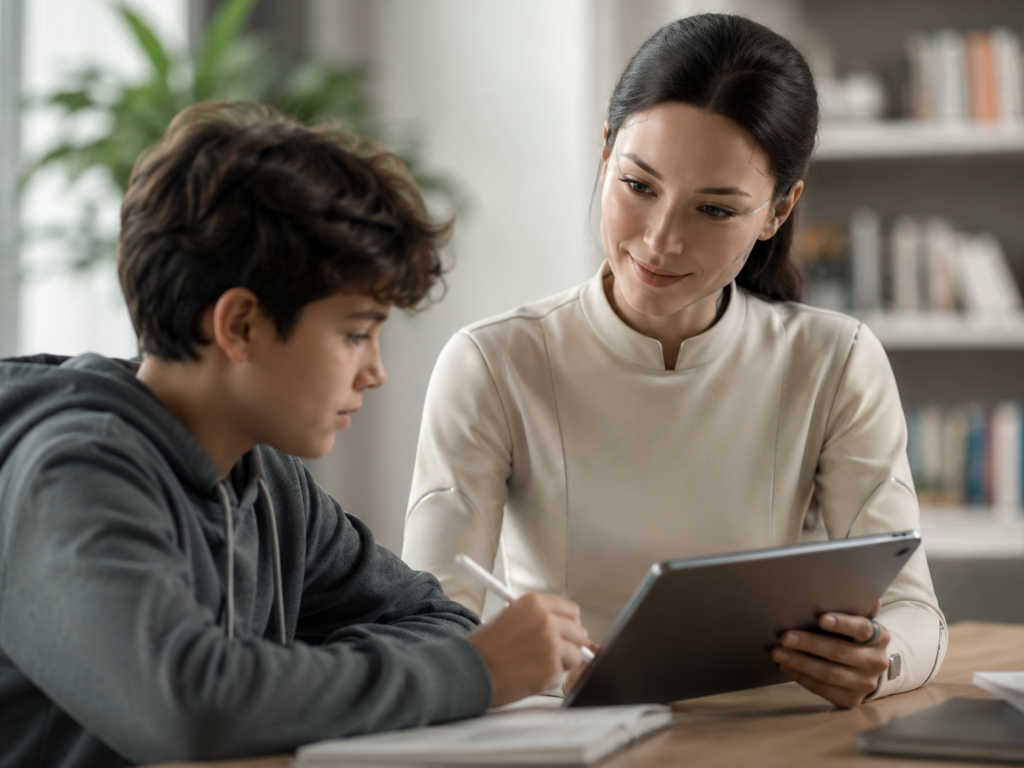
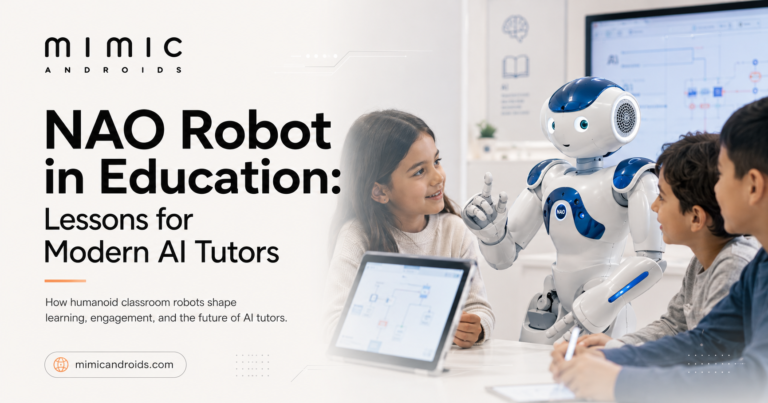
In education, lifelike robots can support guided learning, language practice, role-play, demonstrations, and interactive exhibits. A consistent character can repeat explanations patiently while adapting the level of detail. Teachers remain responsible for learning outcomes, while the android provides an engaging interface for structured activities.
Entertainment and media use androids as digital hosts, performers, virtual production characters, branded personalities, and interactive attractions. Their strength is repeatable performance across live events, video, social content, and immersive installations. See how entertainment and media experiences can combine performance capture with conversational interaction.
Healthcare and wellness applications can provide wayfinding, general education, routine guidance, or supportive interaction within carefully defined limits. The experience must state its role clearly and route medical, urgent, or sensitive questions to qualified people. Inclusive design, calm motion, understandable speech, privacy, and accessibility are essential.
Retail and hospitality projects may use lifelike robots for welcome experiences, product discovery, multilingual assistance, queue guidance, and premium brand storytelling. Enterprise teams can use them for training, onboarding, scenario practice, and internal communication. Research teams use controlled android behavior to study trust, attention, emotion, and human-robot interaction.
Conversational Intelligence and Human Interaction
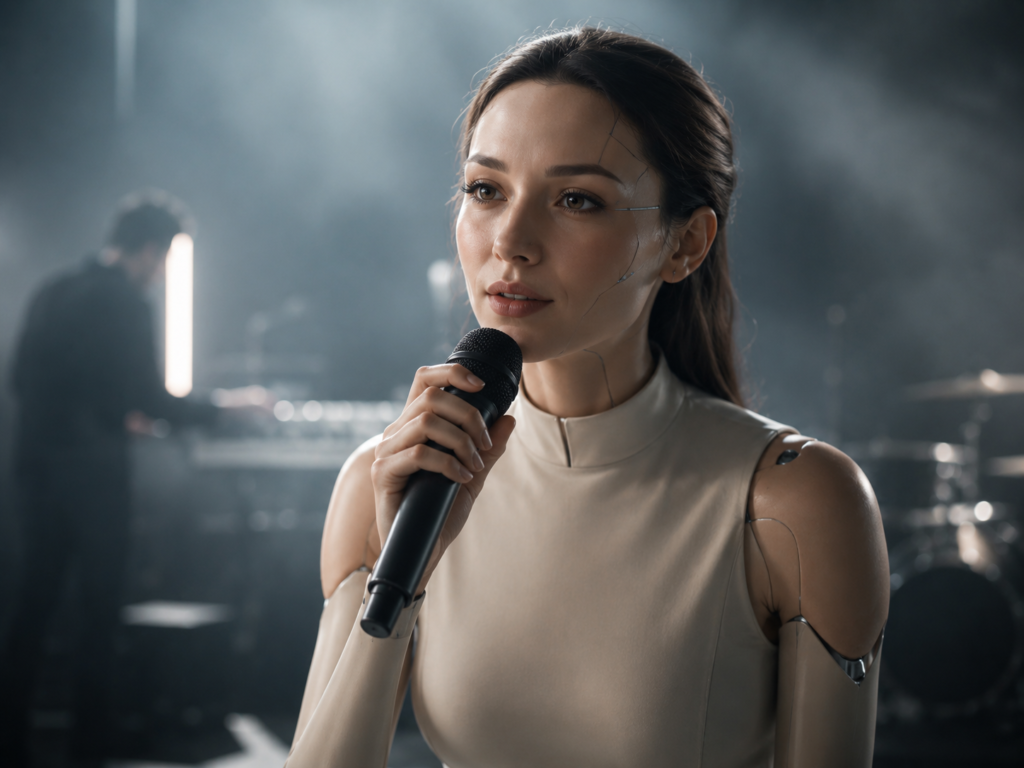
A conversational android needs more than a language model. It must hear reliably, identify when a person is addressing it, understand intent, retrieve approved information, generate a suitable answer, and coordinate speech with gaze and gesture. In noisy public environments, microphone placement, voice activity detection, and fallback prompts can determine whether the experience feels effortless or frustrating.
The knowledge layer should use curated sources and clear boundaries. Organizations need rules for topics the system may discuss, content it must avoid, and situations requiring a human handoff. Responses should be short enough for spoken interaction and structured so people can interrupt, clarify, or change direction.
Personality should support the task. A science museum character may be curious and energetic. An enterprise training guide may be calm and direct. Tone, vocabulary, facial expression, gesture size, speaking pace, and response length should remain consistent. Visit Mimic Androids to see how digital human expertise informs believable character performance.
Good interaction also depends on uncertainty handling. When recognition confidence is low, the system should ask for clarification rather than inventing an answer. When a service is unavailable, it should explain the next step. Honest recovery behavior builds more trust than artificial confidence.
Simulation, Testing and Safety
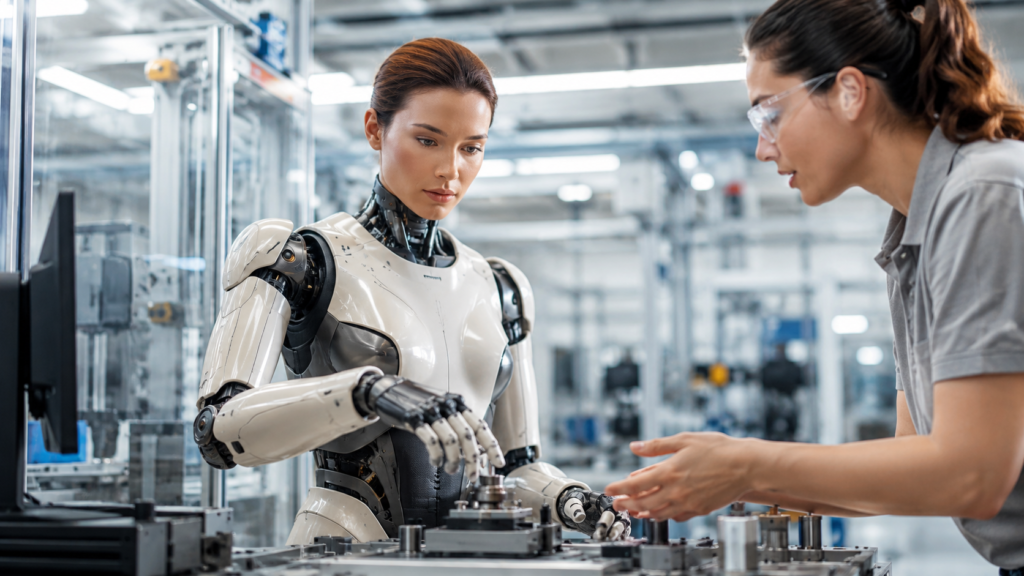
Simulation allows teams to evaluate behavior before a public deployment. A digital twin or virtual environment can reproduce locations, user positions, lighting, sound conditions, and task sequences. Teams can test conversation paths, movement timing, camera coverage, operator controls, and failure states without putting visitors or equipment at risk.
Testing should cover functional accuracy, interaction quality, accessibility, privacy, physical safety, cybersecurity, and operational recovery. Common scenarios include interrupted speech, background noise, multiple users, children, wheelchair users, unusual questions, network loss, sensor failure, overheating, blocked movement, and emergency shutdown.
Human review remains central. Testers should represent the intended audience and include people with different accents, communication styles, heights, mobility, and technical familiarity. Their observations reveal whether gaze feels appropriate, instructions are understandable, gestures are comfortable, and the system communicates limitations clearly.
After launch, teams should monitor task completion, unanswered questions, latency, operator interventions, technical errors, user sentiment, and safety incidents. The testing and optimization process turns this evidence into improved dialogue, animation, content, and system performance.
A Buyer’s Deployment Checklist
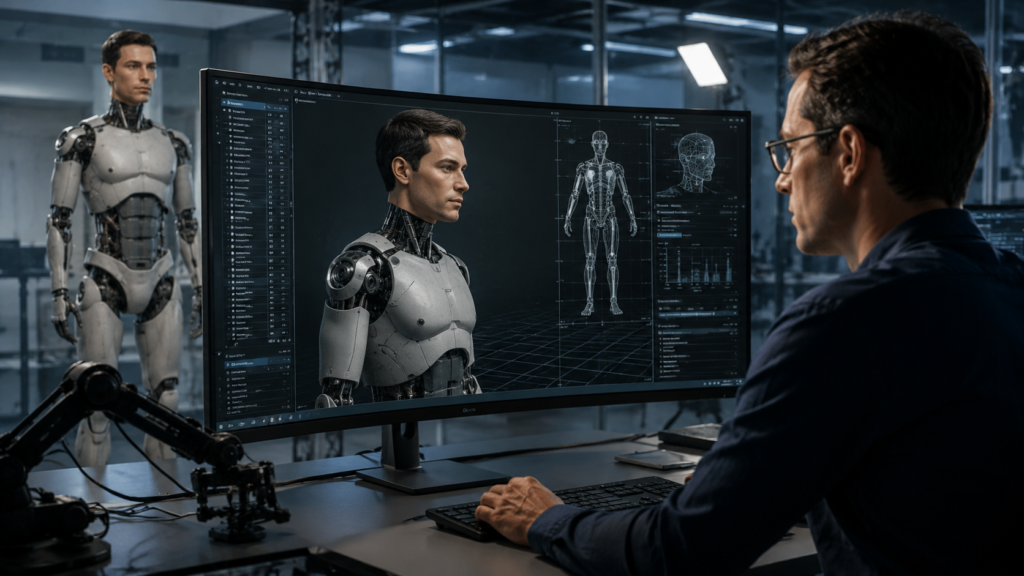
Start by defining one measurable job. Specify the users, location, daily operating hours, languages, content owners, response time, and human support model. Separate must-have capabilities from experimental features. A focused pilot produces stronger evidence than a broad concept that attempts to solve every problem.
Ask vendors how visual assets, dialogue, sensors, behavior, hardware, analytics, and content updates fit together. Confirm who owns the character and data, which third-party services are used, where information is processed, how logs are retained, and how the system works during connectivity problems.
Evaluate maintenance as part of the initial scope. Digital assets, knowledge bases, operating systems, models, sensors, and mechanical parts all change over time. The deployment plan should include monitoring, content governance, software updates, security patches, spare parts, remote support, staff training, and an agreed response process.
Finally, request a staged acceptance plan. Approve the concept, simulation, character, interaction prototype, integrated system, supervised pilot, and production release separately. If your team is preparing a new project, contact Mimic Androids with the audience, use case, environment, timeline, and desired form factor.
Frequently Asked Questions
What is the difference between an android and a humanoid robot?
A humanoid broadly follows the human body plan. An android places greater emphasis on humanlike appearance and behavior. A project may use both terms depending on its design goals.
Do lifelike robots always need a physical body?
No. Many experiences begin as real-time digital humans on screens or immersive displays. The same character and interaction logic can later connect to physical hardware.
How long does development take?
A focused prototype may take weeks, while a custom integrated android can require several months or longer. Visual complexity, hardware, languages, integrations, testing, and approvals determine the schedule.
Can a lifelike robot use generative AI?
Yes, but generative AI should operate within an approved knowledge base, safety rules, privacy requirements, and human escalation process suited to the deployment.
How is natural movement created?
Teams combine motion capture, keyframe animation, procedural behavior, inverse kinematics, facial rigs, and hardware-aware control. Animators refine timing and gesture for clarity.
Are lifelike robots safe for public spaces?
They can be when physical, conversational, privacy, accessibility, and operational risks are tested thoroughly. Public deployments also need monitoring and a clear human override.
What data should be collected?
Collect only what supports the stated task and improvement plan. Define consent, storage, access, retention, deletion, and anonymization before launch.
Can one character work across several channels?
Yes. A reusable character can appear in a robot, kiosk, website, mobile experience, video, virtual production, or immersive installation when assets and behavior are planned for reuse.
How should success be measured?
Use task completion, engagement quality, response accuracy, latency, operator interventions, accessibility, reliability, user satisfaction, and safety outcomes.
What information does a studio need to quote a project?
Provide the use case, audience, environment, languages, character references, required integrations, hardware assumptions, content volume, deadline, and pilot goals.
Building a Lifelike Robot Experience
Lifelike robots succeed when visual realism, movement, conversation, interaction design, and operations reinforce one another. The strongest project starts with a focused human need, validates the experience in simulation, tests it with real users, and expands only after the evidence supports deployment.
Mimic Androids combines digital human production, motion capture, real-time interaction, simulation, and android prototyping. Explore our solutions, review the technology pipeline, or contact the team to plan a lifelike robot experience for research, exhibitions, education, entertainment, healthcare, retail, or enterprise use.